
AI platforms like ChatGPT, Gemini, and Perplexity prioritize high-quality YouTube content. If you're not publishing structured video, you're invisible in this new search landscape.

Buyers are shifting from typing Google keywords to asking conversational questions in AI platforms. YouTube is favored because it creates structured content—metadata, captions, chapters, and comments—that large language models (LLMs) can easily understand and cite.
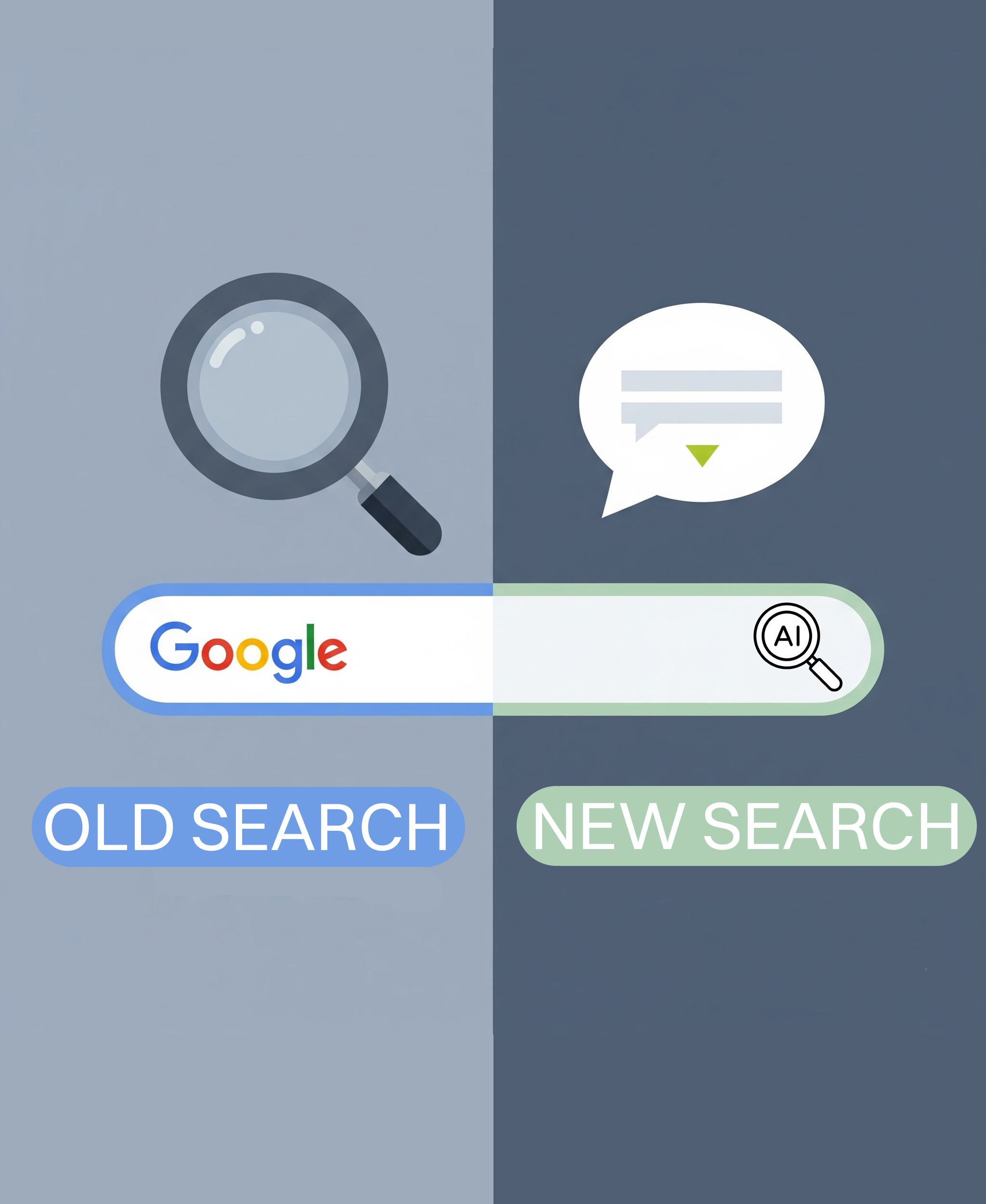

LLMs favor clearly structured, factually rich content that directly answers questions. YouTube automatically structures your video with transcripts, captions, chapters, and engagement signals — making it one of the most AI-friendly platforms in the world.
The easier it is for an AI system to understand what your video is about, the more likely it is to be cited in an answer.


Optimizing for AI doesn’t mean sacrificing humans. Question-based titles, clear chapters, and engaging thumbnails make your videos more clickable for people and more reference-worthy for AI.
Getting your YouTube videos cited in AI search results isn't about gaming an algorithm — it's about making your content easy for AI systems to find, understand, and trust. Here's exactly how to optimize every video for maximum AI search visibility.
Before you script a single word, research the exact prompts your ideal customers are typing into ChatGPT, Gemini, and Perplexity. These aren't traditional keywords — they're conversational questions like "What's the best way to reduce customer acquisition cost with video?" or "How do cybersecurity companies generate leads without cold calling?"
How to find them:
AI systems don't watch your video — they read your transcript, metadata, and captions. Structure your script so it reads clearly as text, not just as spoken content.
The format that gets cited:
YouTube chapters aren't just a viewer convenience — they're one of the strongest signals AI systems use to understand and cite specific sections of your video.
Formatting rules:
How to write AI-optimized chapters:
Most YouTube descriptions are throwaway — a few links and a generic sentence. For AI search visibility, your description needs to function as a complete, structured summary of the video's content.
Description template (use this for every video):
```[Line 1-2: Direct answer to the title question + primary keyword]
In this video, you'll learn:
Timestamps:
0:00 — [Chapter 1 title]
2:15 — [Chapter 2 title]
5:30 — [Chapter 3 title]
8:00 — [Chapter 4 title]
Key takeaway: [One sentence summarizing the main insight]
Related resources:
About [Your Brand]: [2-3 sentences describing your expertise and who you serve]
The first two lines are critical — they appear in search results and are the most likely text AI systems will extract. Front-load your primary keyword and the core answer.
YouTube auto-generates captions, but they're full of errors — especially with technical terms, brand names, and industry jargon. AI systems read your captions as a primary content source. Garbage captions mean garbage AI representation.
What to do:
Bonus: Take that cleaned transcript and publish it as on-page text in a companion blog article on your website. This creates two indexable surfaces — your YouTube video and your web page — both targeting the same AI search prompts.
This is the single most overlooked step. When you embed a YouTube video on your website and add VideoObject schema markup, you give AI systems a structured, machine-readable signal that connects your video to your website's authority.
How to implement (Webflow or any CMS):
Add this JSON-LD code in a custom code embed on the same page as your embedded video:
```
json
{  "@context": "https://schema.org",
"@type": "VideoObject",
"name": "[Your exact video title]",
"description": "[1-2 sentence description matching your target AI search prompt]",
"thumbnailUrl": ["https://img.youtube.com/vi/[VIDEO_ID]/maxresdefault.jpg"],
"uploadDate": "[YYYY-MM-DD]",
"duration": "PT[X]M[Y]S",
"contentUrl": "[Your page URL where the video is embedded]",
"embedUrl": "https://www.youtube.com/embed/[VIDEO_ID]",
"transcript": "[Your full cleaned transcript text]"}
```
Replace the bracketed values for each video. The `transcript` field is especially important — it gives AI systems the full text content of your video in a structured, parseable format right on your website.
AI systems weigh engagement signals — comments, watch time, click-through rate — as indicators of content quality and trustworthiness. A pinned comment with a clear FAQ summary serves double duty: it boosts engagement and gives AI systems another structured text source to pull from.
Pinned comment template:
```
FAQ from this video:
Q: [Most common question related to your topic]
A: [Direct, concise answer — 1-2 sentences]
Q: [Second question]
A: [Direct answer]
Q: [Third question]
A: [Direct answer]
👉 Want the full checklist/template/guide? [Link to lead magnet]
👉 Book a free strategy session: [Link]
```
This also prompts viewers to add their own questions in the replies, which increases comment volume — another signal AI systems use to gauge content authority.
Each of these steps compounds. A single well-optimized video with a companion article, clean transcript, schema markup, and pinned FAQ creates multiple entry points for AI systems to discover, understand, and cite your content. Do this consistently — 2 to 4 videos per month — and you're building a library of AI-searchable assets that generate leads while you sleep.
We don’t just create videos. We build AI-optimized YouTube content systems that increase your visibility across ChatGPT, Perplexity, and Gemini.
Our Process:

Identify what your ideal customers ask AI platforms.

Film engaging content designed to educate and convert.

Script, title, tag, and organize videos for both humans and machines.

Publish to YouTube, embed on your site, and repurpose into blogs for multi-channel traction.
Answers to questions you might have about GrowthLens.

YouTube provides structured metadata, transcripts, chapters, and engagement signals that make it easier for AI systems to parse and cite. An Ahrefs study of 75,000 brands found that YouTube mentions showed the strongest correlation with AI visibility at approximately 0.737, outperforming every other factor across ChatGPT, AI Mode, and AI Overviews. YouTube is now the #1 most cited domain in AI search results — surpassing Wikipedia, Reddit, and every other source.
Use question-based titles that match the prompts your buyers type into AI tools, upload clean edited transcripts as captions, break content into clearly labeled chapters, write detailed descriptions that function as standalone summaries, and embed videos on your website with VideoObject schema markup. YouTube citations in AI overviews have grown 651% for "how-to" queries and 592% for visual demonstrations since launch — so structuring your content to answer specific questions is the single most important optimization you can make.
Yes. Engagement signals like watch time, click-through rate, and comments all influence whether your video is trusted and cited by AI systems. Higher-quality videos perform better across every engagement metric. 98% of users trust YouTube creators more than those on any other social platform, and viewers retain 95% of a message when they watch it as video compared to just 10% when reading text — so production quality directly impacts both human engagement and AI trust signals.
While generating a positive ROI typically takes 6 to 9 months, you'll start seeing leading indicators of success within the first 90 days — improved audience retention, click-through rates, and keyword rankings. Unlike paid ads that stop generating leads the moment you stop paying, YouTube videos are evergreen assets that compound in value over time. We focus on metrics that predict growth, because we're building a long-term business asset, not chasing viral views.
Businesses with a complex sales cycle or a high-ticket service/product see the greatest success on YouTube. It's ideal for industries where building trust and authority is crucial before a sale can be made — such as cybersecurity, B2B SaaS, financial services, professional services, and healthcare. 95% of B2B buyers say videos play a crucial role in their purchase decisions, and 82% of cybersecurity buyers specifically prioritize a trusted brand over price. If you need to educate your prospects to help them make a considered purchase decision, YouTube is an invaluable tool.
YouTube delivers an ROI 61% higher than TV and 48% higher than all other online video sources, according to a Google-commissioned Nielsen meta-analysis — yet 88% of brands are still underinvested in YouTube. Of surveyed social media marketers, 25% say YouTube has the best ROI of all social platforms, higher than Facebook (22%), Instagram (21%), and TikTok (14%). While social media posts have a short lifespan, YouTube videos are evergreen assets that work for you 24/7, appearing in both Google and YouTube search results and giving your expert content unmatched long-term visibility.
Absolutely. 90% of marketers say video has helped them generate leads, and 70% of YouTube viewers have made a purchase after seeing a brand on the platform. AI search visitors convert at a 23x higher rate than traditional organic search visitors, making AI-optimized YouTube content one of the most effective lead generation channels available. Because users are in an active learning and problem-solving mindset, they are highly receptive to expert content — prospects who find you through YouTube are already pre-sold on your expertise and value.
Success on YouTube comes from a data-driven content strategy, not guesswork. It starts with a deep analysis of your competitors and your target audience's search behavior. From there, we focus on creating content aligned with high-intent keywords and best practices in video SEO — from titles and descriptions to thumbnails and scripts. 91% of people watch explainer videos before purchasing a product online, so educational content that directly answers buyer questions consistently outperforms promotional content.
On-camera presence is not mandatory for YouTube success. Screen recordings, animations, and voice-overs can be highly effective. The most crucial factor is creating high-quality, valuable content that addresses your audience's needs and maintains consistent production standards. 60% of consumers prefer to watch a video about a product compared to only 20% who prefer reading text — so the medium matters far more than whether you're personally on screen.
Start with 8 to 12 core videos targeting your main keywords and addressing key customer questions. Aim to publish 2 to 4 high-quality videos per month to maintain momentum. YouTube videos keep generating leads over time — while social media content drops off within hours or days, YouTube content compounds in views and leads for months and years after publishing. Prioritize quality over quantity to ensure your videos effectively engage your audience and perform well in both YouTube and AI search.
Our full-service YouTube management is a comprehensive partnership. We handle the entire ecosystem: market and competitor analysis, data-driven content strategy, content scheduling, professional editing, video SEO (titles, descriptions, tags, thumbnails), and ongoing analytics and performance reporting. Every video is optimized for both human engagement and AI search visibility — including structured chapters, clean transcripts, and schema markup on your website. Your role is simply to provide the core expertise; we handle the rest to ensure growth and measurable ROI.
Our services are tailored to your specific goals. We focus on delivering a significant return on investment for businesses with high-information products and services. YouTube delivers ROI 61% higher than TV and 48% higher than all other online video sources — so think of it not as a cost, but as an investment in a long-term client acquisition asset. Inbound leads cost 62% less than outbound, and YouTube content compounds in value every month. For detailed pricing and a custom proposal, book a free strategy session.
Most agencies focus on vanity metrics like views and subscribers. We are singularly focused on business outcomes and measurable ROI. Our entire YouTube strategy is built around one question: "How does this drive qualified leads and shorten your sales cycle?" We don't just produce videos — we build AI-optimized YouTube ecosystems designed to generate inbound leads, build authority, and create a competitive moat. Based in Toronto, we work with expert-driven businesses across North America.
Create high-quality video content focused on answering specific industry questions your buyers ask AI platforms. Optimize with clean transcripts, detailed descriptions, clear chapters, and VideoObject schema markup on your website. AI search visitors convert at a 23x higher rate than traditional organic search visitors — and YouTube mentions are the #1 factor correlated with AI visibility across 75,000 brands studied. Optimizing your videos this way ensures your brand becomes "the answer" when a potential customer asks an AI tool a question related to your solution.ShareProject contentGrowthLens Thought Partner
